When you click on links to various merchants on this site and make a purchase, this can result in this site earning a commission. Affiliate programs and affiliations include, but are not limited to, the eBay Partner Network.
We're happy to announce our new gallery and photo uploader are now live! You can check out the gallery, which offers a variety of new ways to view photos including trending pictures and most popular pictures, by clicking "Gallery" in the main nav bar or going directly to https://www.s2ki.com/g/. In tandem with the gallery, we've rolled out a new photo uploader that makes adding images to threads and posts much, much easier. Here's how to use it:
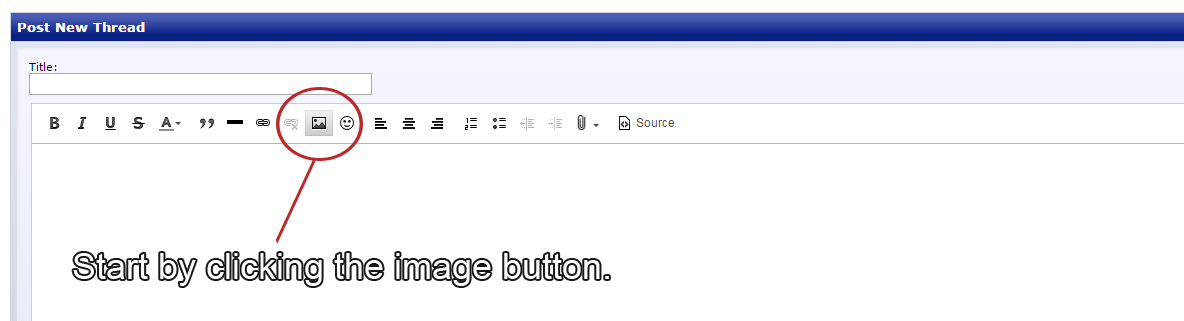
1. Start at the same place, by clicking the "Add Image" button in the editor.
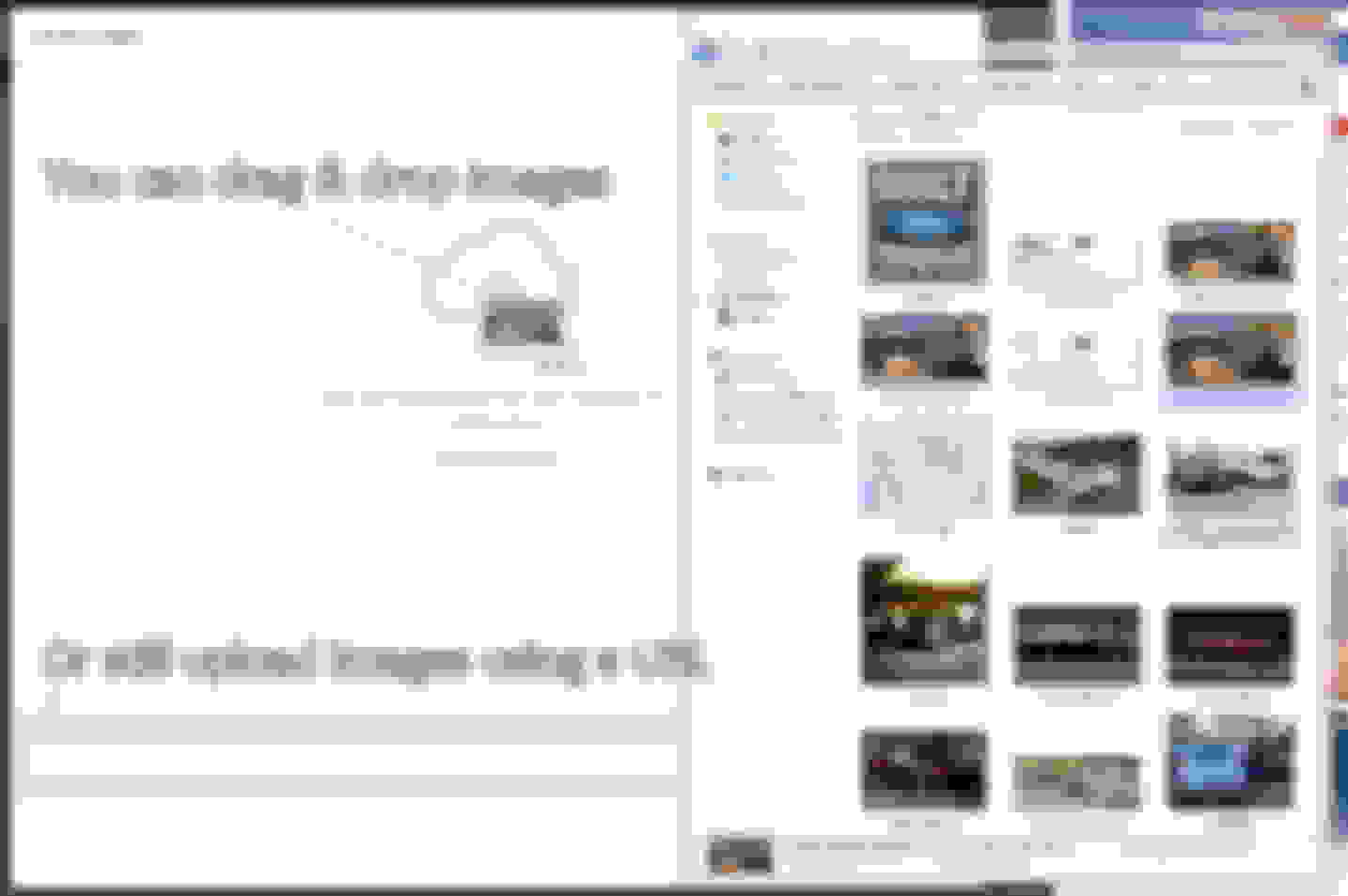
2. You can drag & drop from a folder, open and browse to choose images, or just as always--add a URL.
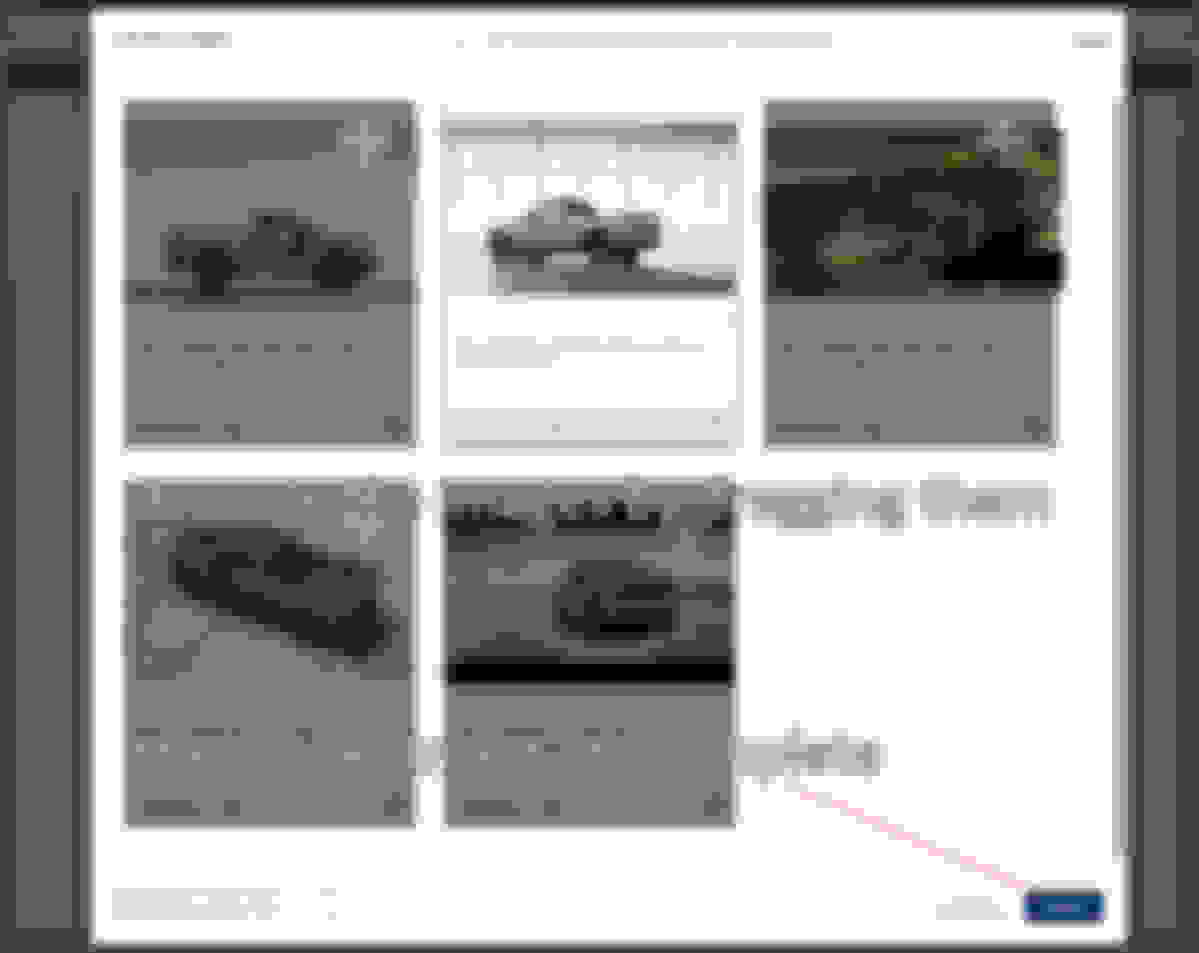
3. The images will then upload to your album in the gallery, from which you can pull these images in the future for other threads.
In the upper left-hand corner, clicking "Reorder Images" will allow you to move your images around into the order you would like displayed in the thread.



 New Gallery and Photo Uploader Now Live!