


Less is more.....


Registered User
Joined: Jan 2005
Posts: 1,403
Likes: 0
From: Perry, Ohio

First Pic was taken with a Fugifilm s3000. 3.2mega pixel camera.

these were taken with my new Canon Rebel XT (ive only had for about 2 weeks now and im still learning alot about it)


i dont have any good pics of my S with the new camera yet, all i have is landscape pics with it. Im going to have to find some nice scenery and get some pics of my car.
these were taken with my new Canon Rebel XT (ive only had for about 2 weeks now and im still learning alot about it)
i dont have any good pics of my S with the new camera yet, all i have is landscape pics with it. Im going to have to find some nice scenery and get some pics of my car.


Registered User
Joined: Feb 2005
Posts: 539
Likes: 0
From: Hialeah, FL
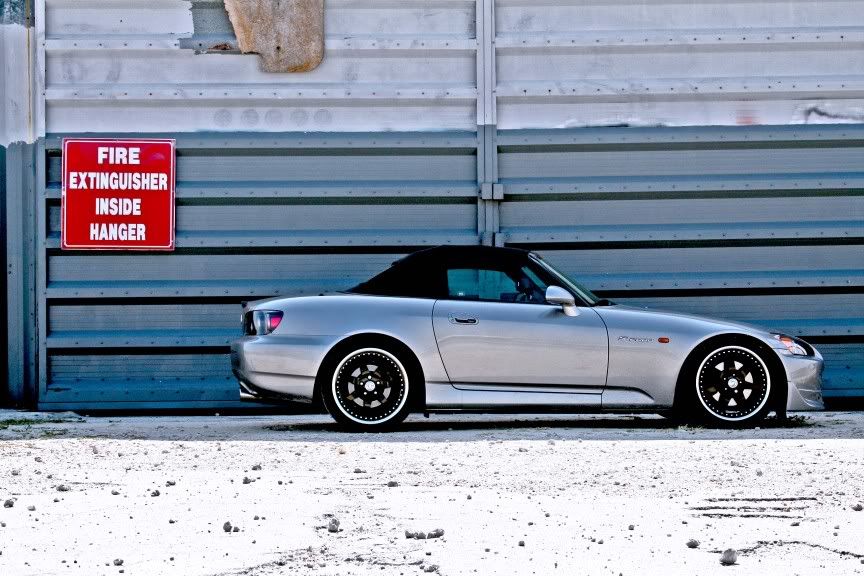
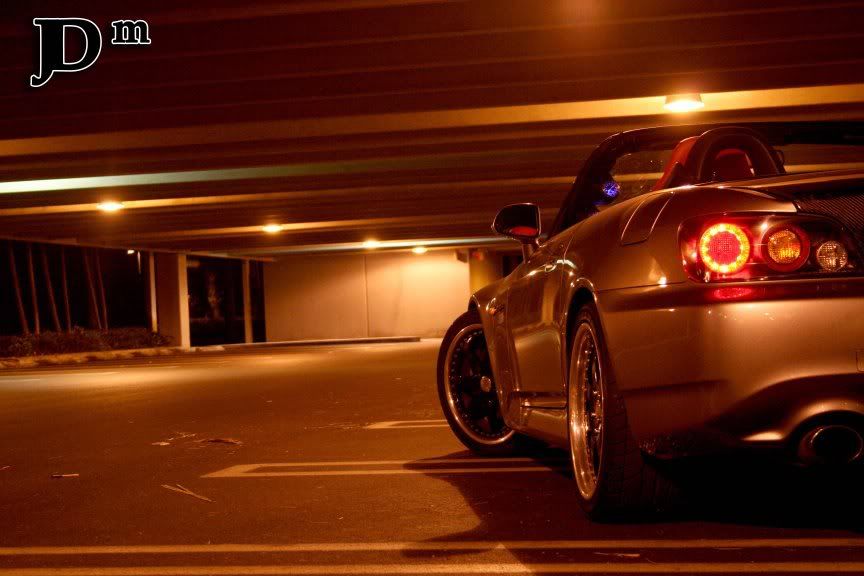
I took several pictures using manual shutter speed and aperture until I got the right amount of light that I wanted.
No editions here


Some Photoshop.
Any suggestions? By the way I took this picture with a cheap camera HP Photosmart R927.
No editions here
Some Photoshop.
Any suggestions? By the way I took this picture with a cheap camera HP Photosmart R927.




Registered User
Joined: Jul 2004
Posts: 3,491
Likes: 0
From: San Francisco, CA
what's the point of this thread? i see a bunch of random shots being whored out that either have basic or no photoshop touch up to it (which from my best understanding is the point of this thread)?
i personally touch up (some more than others) every single one of my pics for color correction, saturation, levels, curves, sharpness, but it's what i consider standard for posting pics online to represent my work.
below are a few that i would consider fair to heavily photoshop, yet retain some sort of clarity/cleanness in the shot.


what i'm getting at is that this thread can go on forever with people mostly posting random shots they took with their point & shoot without having much of anything in regards to aesthetics or photographically accepted principles applied.
...or am i just being anal about this?
i personally touch up (some more than others) every single one of my pics for color correction, saturation, levels, curves, sharpness, but it's what i consider standard for posting pics online to represent my work.
below are a few that i would consider fair to heavily photoshop, yet retain some sort of clarity/cleanness in the shot.
what i'm getting at is that this thread can go on forever with people mostly posting random shots they took with their point & shoot without having much of anything in regards to aesthetics or photographically accepted principles applied.
...or am i just being anal about this?
Registered User
Joined: Jul 2004
Posts: 3,491
Likes: 0
From: San Francisco, CA
*edit*
i just read through all the posts in this thread and realized that it was a post your pic so that people can critique it type of thread.
anyway, i'd say listen to jarod & costas....i'd say that almost everything i've seen from costas has been awesome, and after meeting jarod this past wknd, he knows what he's doing as well.
with that said, below are a few shots that were touched up with photoshop but still retain the original idea of what the picture should be.


...and the shot below was taken w/ my mid-range point & shoot vs. my dslr which the above pics were taken with...just sort of a testament to those that buy dslrs expecting it to improve your photography, rather than just the digital quality of the pictures

i just read through all the posts in this thread and realized that it was a post your pic so that people can critique it type of thread.
anyway, i'd say listen to jarod & costas....i'd say that almost everything i've seen from costas has been awesome, and after meeting jarod this past wknd, he knows what he's doing as well.
with that said, below are a few shots that were touched up with photoshop but still retain the original idea of what the picture should be.
...and the shot below was taken w/ my mid-range point & shoot vs. my dslr which the above pics were taken with...just sort of a testament to those that buy dslrs expecting it to improve your photography, rather than just the digital quality of the pictures

Registered User
Joined: Jun 2004
Posts: 913
Likes: 1
From: Houston TX
Originally Posted by teeteeracer,Aug 30 2006, 12:38 PM
^^^how can i take this kind of shot? it looks awesome!

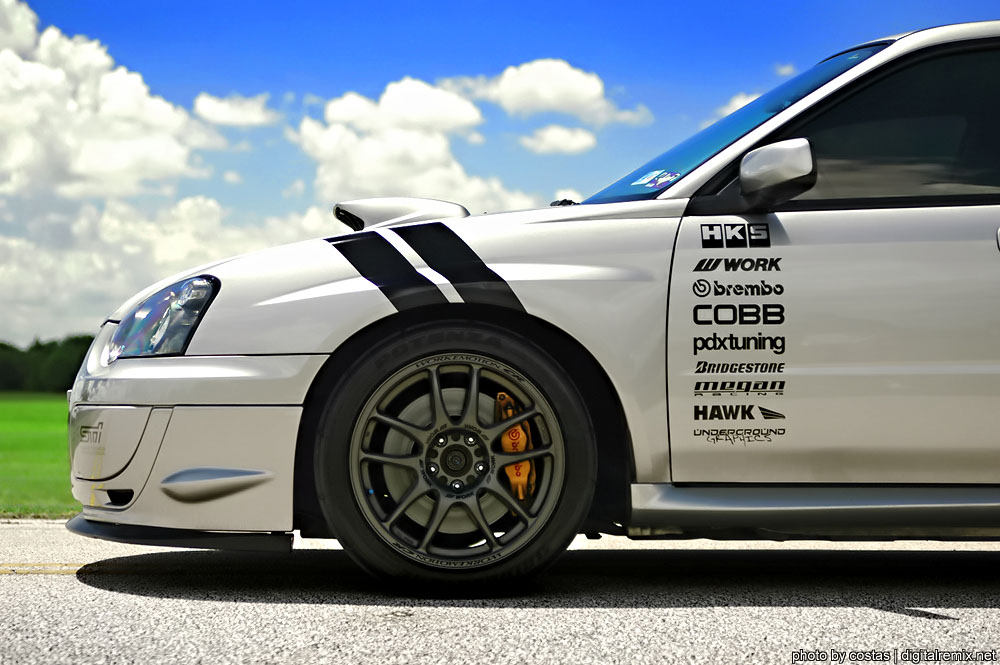
and here's what I did to improve on it
1. I adjusted the shadows and highlights by going to edit > adjustments (i think). I messed around with the bars so that the tires were evenly exposed. In some cases, it sorta screws with the exposure of the rest of the image so it helps to mask off different portions of it that you don't want to affect.
2. Use curves/levels/color balance etc to your advantage to get the colors to where you want them. I accidentally shot on the wrong white balance setting and had to fix that up. I can't remember if I used the RAW image or the JPG but that's one thing you want to take into consideration. That's why I hate pics under yellow lighting in parking lots, if you try to fix the lighting too much, it messes with the overall colors of the car, like causing the amber sidemarkers to have a blue-ish tone.
3. To achieve vibrant colors, I just just selected different areas of the picture and then messed with the hue/saturation as well as levels to get it out pop out more. Did the same thing for grass. Some people have a bad habbit of adjusting the saturation and colors or what not for the whole image itself, which kind of throws off the colors in alot of cases.
4. I have a bad habit of overdoing this sometimes, but I look to use the burn tool on the outer part of the image to put more attention towards the car itself. I also desaturated part of the concrete towards the bottom since it had a yellowish tone from the sunlight which through off the look of the image a little.
That's pretty much the majority of the stuff I do, hopefully you guys can come up with your own methods but use some of those techniques towards your advantage when correcting your images to make them come out the way you want them to look
