When you click on links to various merchants on this site and make a purchase, this can result in this site earning a commission. Affiliate programs and affiliations include, but are not limited to, the eBay Partner Network.
Bought this headrest mount and this tripod mount so I could easily attach and remove my GoPro Hero5 Black. It works really well and gives a much better platform than the improvised clamp I had been using. The Hero5 has voice control so I can ask it to turn on and off very easily.
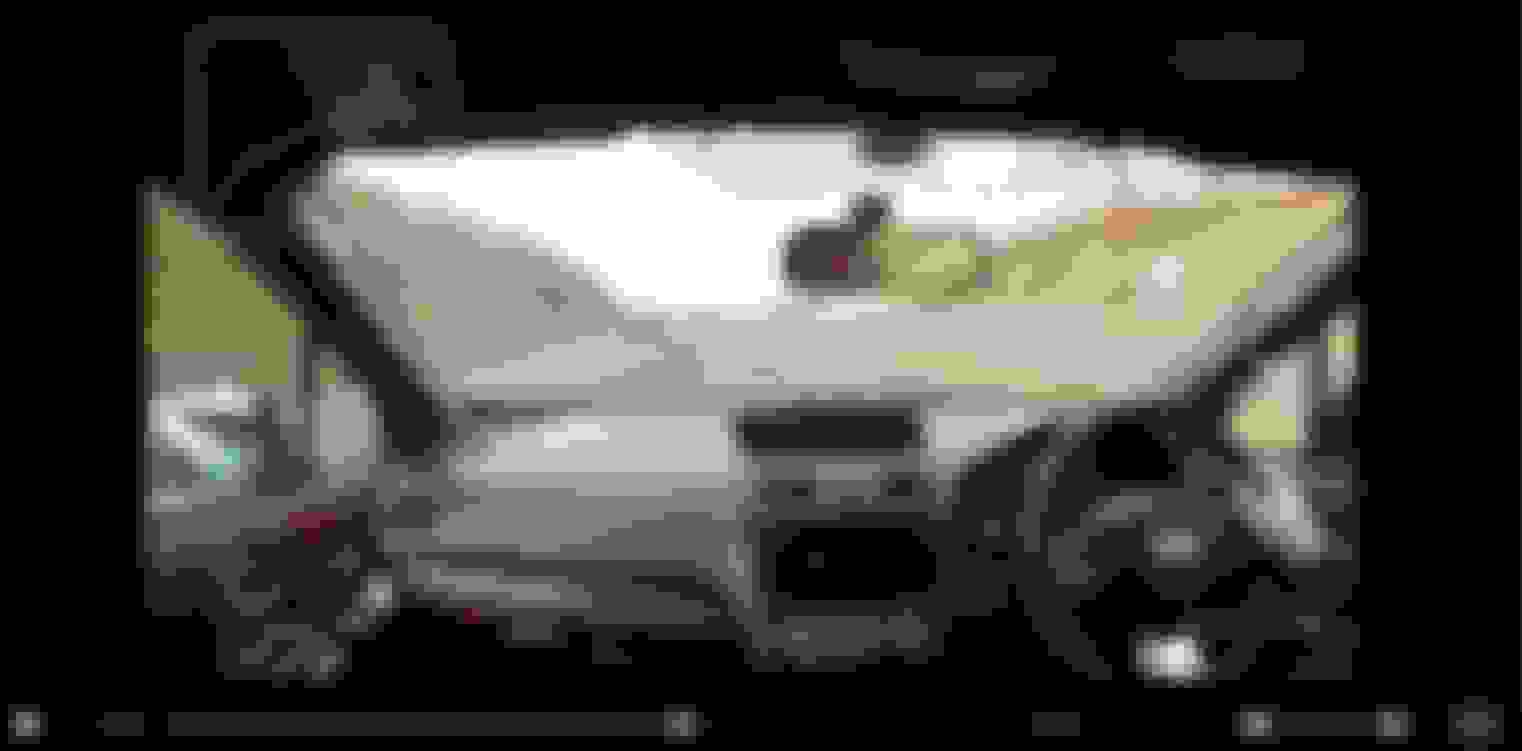
However, one thing that's annoying me is that the "telemetry data" (overlaid speed, direction, g-force readings etc.) is only visible when I view my clips in GoPro's own Quik program as shown in the screenshot below. Any attempt to save the clip for playback in other media players removes this overlaid data. I'm not sure what happens if I share a clip directly from Quik to YouTube (as I should be able to) as despite having allowed Quik access to my YouTube account, it won't allow an upload.
My question is has anyone managed to find a way to save GoPro clips with the data overlays?
Last edited by Shiskine; Jan 26, 2017 at 01:42 PM.
Not necessarily much help, but if you are able to get hold of the separate data and video files, you can combine them all back together in RaceRender
It's what I have used for my track clips over the years.
I've found the GoPro software to be terrible, though. I think it's designed with Mac thickos creative types in mind.
Thanks for that. The (not very good) GoPro forums suggest I'm far from the first to ask this question. There was some reference to .gpx files (is that what you're on about?) being used elsewhere which suggests they can be extracted. There seemed to be some optimism that GoPro would produce software that kept this data ...
Last edited by Shiskine; Jan 26, 2017 at 01:29 AM.
The camera is just for recording "epic drives", whether that be an example of my immense driving talent () or just a blast through some memorable scenery, With it being so easy to activate, I suppose I could use it if/when an incident kicked off but it's never going to rival a constant dashcam in that regard.
Can't find any .gpx files on my machine (even with hidden files showing) so not sure what to do now. May just have to wait until GoPro get their finger out their ar$e and upgrade their software ...
Problem solved. Not sure if this was the case from the word go or it's the result of an update, but if you click the Share button from within the Quik program, rather than editing and downloading to PC then "manually" uploading, it lets you choose the platform on which you wish to share the clip (YouTube in my case) and uploads it for you WITH all the data overlays ... yay.
Unfortunately the only clip I have to demonstrate this is highly self-incriminating () but I'll record another one and post it here ...
Last edited by Shiskine; May 11, 2017 at 04:23 AM.




 Calling any in-car GoPro experts ...





 ) or just a blast through some memorable scenery, With it being so easy to activate, I suppose I could use it if/when an incident kicked off but it's never going to rival a constant dashcam in that regard.

 ) but I'll record another one and post it here ...