


Short + fat s2000


Registered User
Joined: Apr 2002
Posts: 314
Likes: 0
From: Melbourne

Originally Posted by dut,Dec 23 2004, 04:57 PM
- I read this part:
ALright .. heres how you do it ... go into photoshop (obviously) open the image of the car // go to "image" -"image size" and make sure the top box on the bottom ISNT checked - this makes it so if u adjust one proportion the other doesnt automatically do it .. then resize the image to what u think looks good // then save the shrunk image UNDER A DIFFERENT name // then open the original pic of the car... go back to image size .. this time make it bigger // next take the high light thingy (marque tool?) and choose the eliptical shape and then outline JUST the wheels on the bigger image .. .. then just click and drag them over to the smaller one .. flatten and save and thats IT
to open up the fender gaps just do a ctrl shft + x
ALright .. heres how you do it ... go into photoshop (obviously) open the image of the car // go to "image" -"image size" and make sure the top box on the bottom ISNT checked - this makes it so if u adjust one proportion the other doesnt automatically do it .. then resize the image to what u think looks good // then save the shrunk image UNDER A DIFFERENT name // then open the original pic of the car... go back to image size .. this time make it bigger // next take the high light thingy (marque tool?) and choose the eliptical shape and then outline JUST the wheels on the bigger image .. .. then just click and drag them over to the smaller one .. flatten and save and thats IT
to open up the fender gaps just do a ctrl shft + x
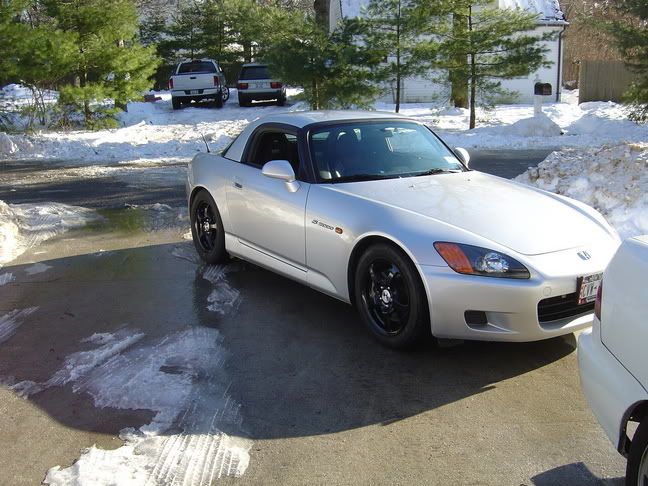
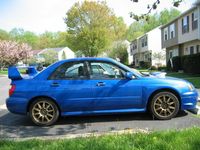
here's mine








Thread
Thread Starter
Forum
Replies
Last Post
Kel
California - Southern California S2000 Owners
27
May 26, 2006 09:50 AM
wantone
The S2000 Gallery
14
Oct 12, 2002 09:46 PM