When you click on links to various merchants on this site and make a purchase, this can result in this site earning a commission. Affiliate programs and affiliations include, but are not limited to, the eBay Partner Network.
Off-topic TalkWhere overpaid, underworked S2000 owners waste the worst part of their days before the drive home. This forum is for general chit chat and discussions not covered by the other off-topic forums.
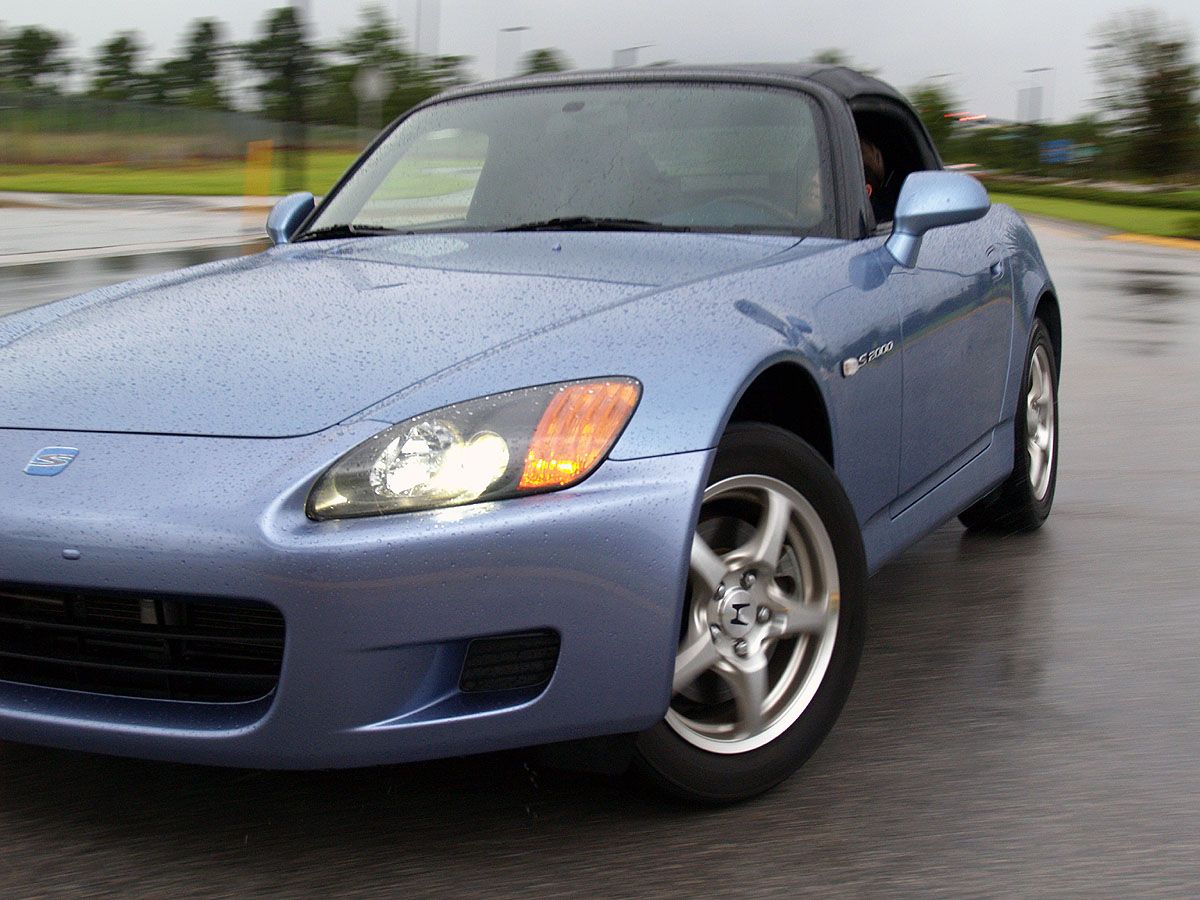
Hi all!!! I have a Olympus 300 digital camera and I am using the photoshop that came with the camera. After I take pictures they look SWEET on the camera... then I get them to the computer and they look like SH*T... For example... This picture looks crystal clear on my camera and after i get it on the board it looks like this...
I cant click on the pic to make it full size though, if your problem is that it looks jagged its because you need to click on view full size otherwise its just a compressed look.
Originally Posted by Presidente,Aug 1 2005, 08:56 PM
well if olympus really gave him photoshop i recommend he/she use it assuming you know how to use it.
olympus didnt give him photoshop as we know it with the purchase of an E300.. however if they did i will give him several sites to help him learn how to use it... the editor i got with my dslr was a pile o crap
Originally Posted by s2000flog,Aug 1 2005, 07:07 PM
Hi all!!! I have a Olympus 300 digital camera and I am using the photoshop that came with the camera. After I take pictures they look SWEET on the camera... then I get them to the computer and they look like SH*T... For example... This picture looks crystal clear on my camera and after i get it on the board it looks like this...
Any suggestions???
don't assume the preview on your camera's LCD is going to be exactly what the image will look like full-size on a monitor or a print. Use the screen to check for compositoin and gross exposure errors or motion blur. You need to practice taking pictures, and experiment with the camera the same as with film to get a good grasp of what the final image will look like. The LCD screen on your camera is a cheaply produced component that simply satisfies the user's desire to get immediate gratification, not a high-quality digital display device. Treat it as merely a preview of what the image would look like at greatly reduced resolution, and not an indication of how great the actual image is or isn't.
I think all the previous posts may have missed the point. That photo isn't bad it's just reduced in size without anti-aliasing which produces a crapload of jagged edges. Make sure you use anti-aliasing when you resample your photos to web sizes. Also, try turning down your contrast and sharpness settings in your camera if you can.
^ To get the right effect I'd have to sample the original photo at 25%. That produced (yes, I tried that first) a thumbnail that was too small for the effect to be seen.
Edit?: the scenario is called GIGO, garbage in, garbage out. I can't magically bring data to life that has already been destroyed. If that is what came out of the camera, and not a software package, then the images are worthless.



 Question about camera and photoshop